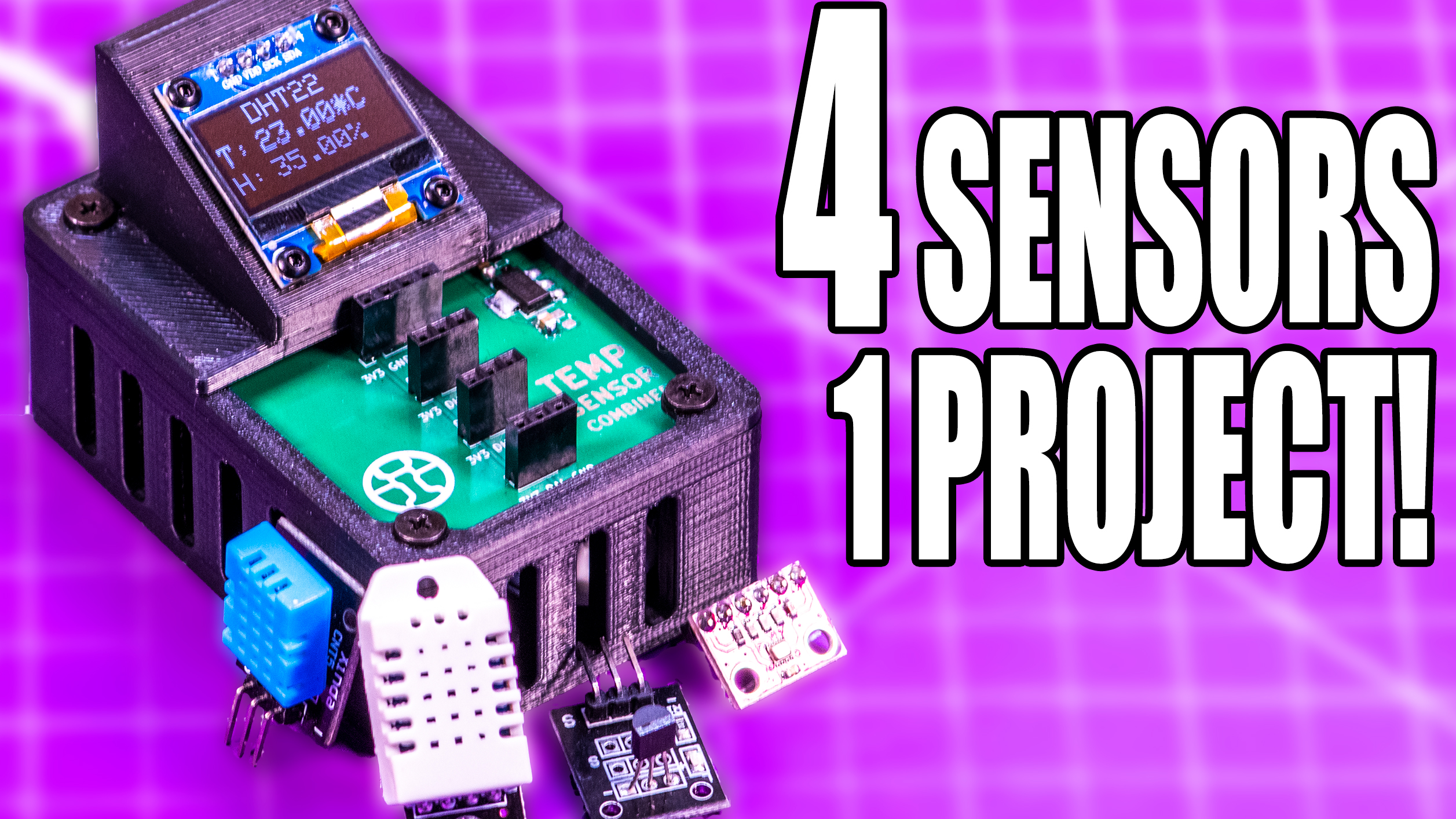
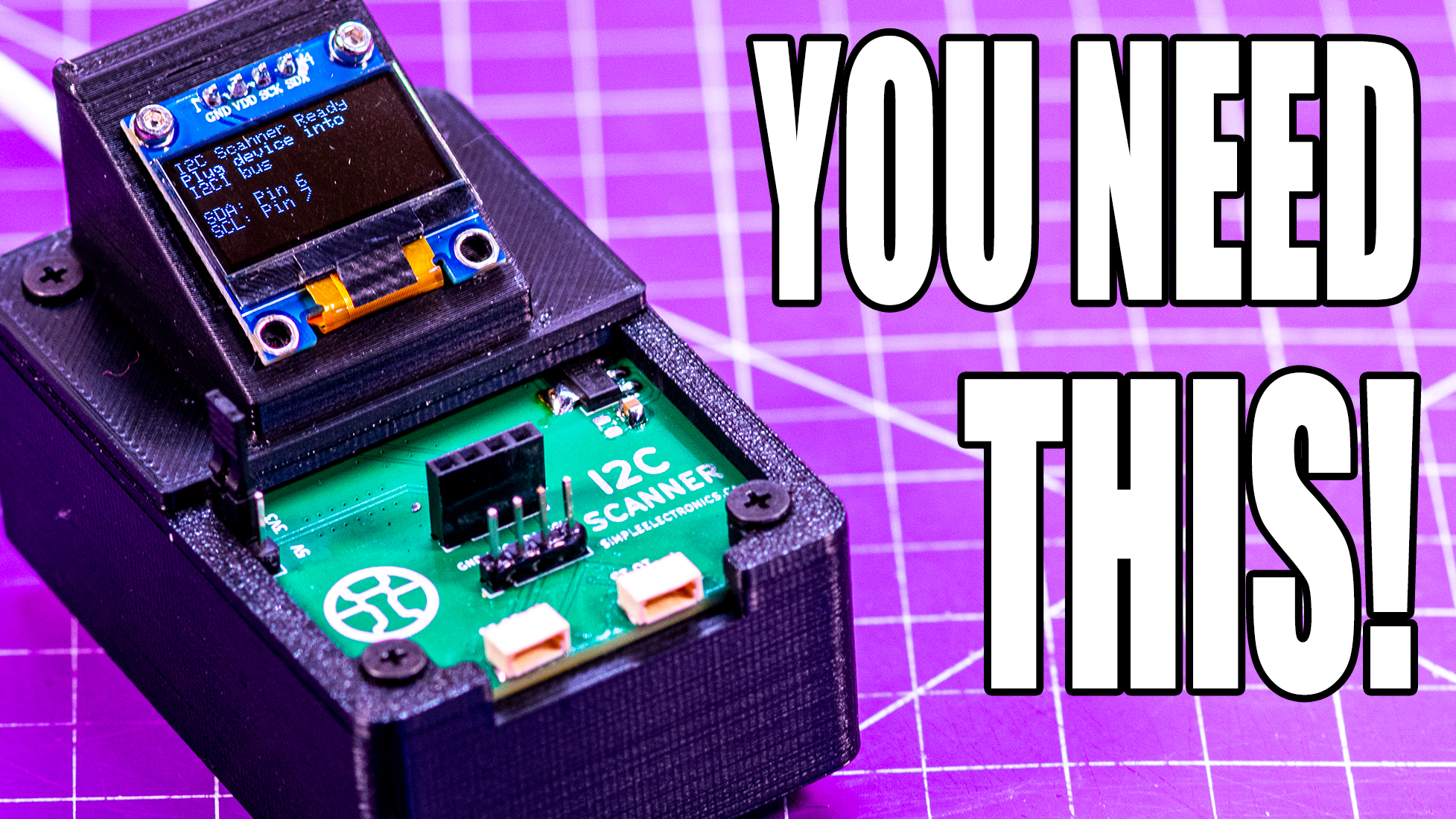
A Challenge To The Viewer: MAX30102
Tackle this coding challenge: Getting a MAX30102 module to display on a SSD1306 I2C OLED using a RP2040 chip based module.
I usually make videos about how to use a sensor or module board with a microcontroller and typically I do this in advance, learn to use it, create a PCB for easy assembly and then demo the use via a YouTube video – all that came crashing down when I tried to pair a RP2040-Zero from Waveshare with a MAX 30102 pulse and O2 sat board.
It seemed so simple, power, ground and I2C interface and I was off to the races but so far – neither the example code nor about 40 attempts at vibe-coding was able to get it to work, across 3 sensor boards and a few microcontrollers, including a plane-Jane Arduino Uno. Even to the point of recreating people’s projects from their YouTube videos.
So here is the challenge for you:
Using the same hardware – a Pi Pico or derivative, a MAX30102 board and a SSD1306 OLED – have it detect your finger, and spit out an accurate heart rate and SPO2 and then, for the ultra mode, have it work on my hardware on my pcb.
Here are the links to what you will need – you do NOT have to purchase a PCB for this challenge, I will test it on mine here – however, ordering PCBs from my sponsor is an easy way to support the channel, also these links are affiliate links which support me when you buy stuff with them with no additional cost to you.
- PCBWay
- MAX30102
- SSD1306
- RP2040-Zero
You’re going to need my pinouts as well:
| Device | Pin | Name | RP2040 PIN |
| MAX | 1 | I2C Serial Data | GP6 |
| MAX | 2 | I2C Serial Clock | GP7 |
| MAX | 3 | INT | GP0 |
| MAX | 4 | IRD | GP1 |
| MAX | 5 | RD | GP2 |
| MAX | 6 | GROUND | GND |
| MAX | 7 | POWER | 5V (USB) |
| OLED | 1 | GROUND | GND |
| OLED | 2 | POWER | 3V3 |
| OLED | 3 | I2C Serial Clock | GP5 |
| OLED | 4 | I2C Serial Data | GP4 |
Some notes:
- I did add 4.7k ohm pull-up resistors between GP6 and 3.3V and GP7 and 3.3V
- I cannot pull them up to 5V because the RP2040 is not 5V tolerant
- I cannot pull them up to 5V because the RP2040 is not 5V tolerant
- I could not get as far as I did powering the MAX30102 from 3.3V
- Whether it was internal or external, for some reason it only works on 5V – I am assuming that the on-board regulator doesn’t work on 3.3V
- Whether it was internal or external, for some reason it only works on 5V – I am assuming that the on-board regulator doesn’t work on 3.3V
- The jumper pads to swap between 1.8V and 3.3V logic are left bare
- The I2C does run at 3.3V in this configuration
Here is the code that Gemini Pro came up with
Before you ask – I have tried the built-in examples from Sparkfun in the Arduino library and I have also fed it to Claude, GPT and Gemini to try and get it to work – no matter what, it isn’t working with the Pi Pico nor the Uno R3.
#include <Wire.h>
#include <Adafruit_GFX.h>
#include <Adafruit_SSD1306.h>
#include "MAX30105.h"        // SparkFun library for MAX3010x sensors
#include "spo2_algorithm.h"  // SpO2 calculation algorithm

// == DISPLAY (OLED) SETUP ==========================================
#define SCREEN_WIDTH 128 // OLED display width, in pixels
#define SCREEN_HEIGHT 64 // OLED display height, in pixels
#define OLED_RESET -1    // Reset pin # (or -1 if sharing Arduino reset pin)
#define OLED_I2C_ADDR 0x3C // Common I2C address for SSD1306

Adafruit_SSD1306 display(SCREEN_WIDTH, SCREEN_HEIGHT, &Wire, OLED_RESET);

// == SENSOR (MAX30102) SETUP =======================================
MAX30105 particleSensor;
#define MAX_INT_PIN 2 // GP2
volatile bool samplesAvailable = false;

void onFifoAlmostFull() {
  samplesAvailable = true;
}

// == DATA BUFFERS & VARIABLES ======================================
// ** FIX 1: Renamed BUFFER_SIZE to SAMPLE_BUFFER_SIZE to avoid conflict **
// The spo2_algorithm.h library expects 100 samples (4 seconds at 25Hz)
const int SAMPLE_BUFFER_SIZE = 100;

uint32_t irBuffer[SAMPLE_BUFFER_SIZE];  // IR LED sensor data
uint32_t redBuffer[SAMPLE_BUFFER_SIZE]; // Red LED sensor data

int32_t bufferLength; // Number of samples in buffer
int32_t spo2;         // Calculated SpO2 value
int8_t validSpo2;     // Flag for valid SpO2
int32_t heartRate;    // Calculated heart rate value
int8_t validHeartRate; // Flag for valid heart rate

long lastDisplayTime = 0;

// ==================================================================
//                            SETUP
// ==================================================================
void setup() {
  Serial.begin(115200);

  // --- 1. Initialize OLED Display (on I2C0) ---
  Wire.setSDA(4); // Set I2C0 SDA to GP4
  Wire.setSCL(5); // Set I2C0 SCL to GP5
  Wire.begin();   // Start I2C0

  if (!display.begin(SSD1306_SWITCHCAPVCC, OLED_I2C_ADDR)) {
    Serial.println(F("SSD1306 allocation failed"));
    while (true);
  }
  display.clearDisplay();
  display.setTextSize(1);
  display.setTextColor(SSD1306_WHITE);
  display.setCursor(0, 0);
  display.println("OLED Initialized (I2C0)");
  display.display();
  delay(1000);

  // --- 2. Initialize MAX30102 Sensor (on I2C1) ---
  Wire1.setSDA(6); // Set I2C1 SDA to GP6
  Wire1.setSCL(7); // Set I2C1 SCL to GP7
  Wire1.begin();   // Start I2C1

  display.println("Initializing MAX30102 (I2C1)...");
  display.display();

  if (!particleSensor.begin(Wire1, I2C_SPEED_FAST)) { // Use Wire1
    Serial.println("MAX30102 was not found. Please check wiring.");
    display.println("MAX30102 NOT FOUND!");
    display.display();
    while (true);
  }

  // --- 3. Configure Sensor for SpO2 ---
  // ** FIX 2: Changed sample rate from 50Hz to 25Hz **
  // This matches the 25Hz (FreqS) hardcoded in spo2_algorithm.h
  // Settings: (Red LED 68mA, IR LED 68mA, ADC 4096, Sample Rate 25Hz)
  byte ledBrightness = 68;
  byte sampleAverage = 4;
  byte ledMode = 2; // 2 = Red/IR
  int sampleRate = 25; // <-- THIS IS THE FIX
  int pulseWidth = 411;
  int adcRange = 4096;

  particleSensor.setup(ledBrightness, sampleAverage, ledMode, sampleRate, pulseWidth, adcRange);

  // Configure for "FIFO Almost Full" interrupt
  particleSensor.enableAFULL();
  particleSensor.setFIFOAlmostFull(2);
  particleSensor.clearFIFO();

  // --- 4. Attach Interrupt ---
  pinMode(MAX_INT_PIN, INPUT_PULLUP);
  attachInterrupt(digitalPinToInterrupt(MAX_INT_PIN), onFifoAlmostFull, FALLING);

  display.println("Sensor Ready.");
  display.println("Place finger on sensor.");
  display.display();
  delay(1000);
}

// ==================================================================
//                            LOOP
// ==================================================================
void loop() {

  // --- 1. Check for new samples (using interrupt flag) ---
  if (samplesAvailable) {
    samplesAvailable = false;
    particleSensor.check();

    while (particleSensor.available()) {
      // ** FIX 1: Use new variable name **
      if (bufferLength < SAMPLE_BUFFER_SIZE) {
        irBuffer[bufferLength] = particleSensor.getIR();
        redBuffer[bufferLength] = particleSensor.getRed();
        bufferLength++;
      }
      particleSensor.nextSample();
    }
  }

  // --- 2. Calculate SpO2 and Heart Rate when buffer is full ---
  // ** FIX 1: Use new variable name **
  if (bufferLength == SAMPLE_BUFFER_SIZE) {
    // Call the algorithm
    maxim_heart_rate_and_oxygen_saturation(
        irBuffer, SAMPLE_BUFFER_SIZE, redBuffer, // <-- Here
        &spo2, &validSpo2,
        &heartRate, &validHeartRate);

    // Slide the buffer (keep last 25 samples)
    for (int i = 0; i < 75; i++) {
      irBuffer[i] = irBuffer[i + 25];
      redBuffer[i] = redBuffer[i + 25];
    }
    bufferLength = 75;
  }

  // --- 3. Update the Display (every 500ms) ---
  if (millis() - lastDisplayTime > 500) {
    lastDisplayTime = millis();
    updateDisplay();
  }
}

// ==================================================================
//                        HELPER FUNCTIONS
// ==================================================================

void updateDisplay() {
  display.clearDisplay();
  display.setTextSize(2);
  display.setCursor(0, 10);

  // Adjust 50000 based on your sensor's readings
  if (particleSensor.getIR() < 50000) {
    display.setTextSize(1);
    display.setCursor(15, 20);
    display.println("Please Place");
    display.setCursor(15, 35);
    display.println("Finger on Sensor");
    heartRate = 0;
    spo2 = 0;
  } else {
    // Display Heart Rate
    display.print("HR ");
    if (validHeartRate) {
      display.print(heartRate);
    } else {
      display.print("--");
    }
    display.println(" bpm");

    // Display SpO2
    display.print("SpO2 ");
    if (validSpo2) {
      display.print(spo2);
    } else {
      display.print("--");
    }
    display.println(" %");
  }

  display.display();
}